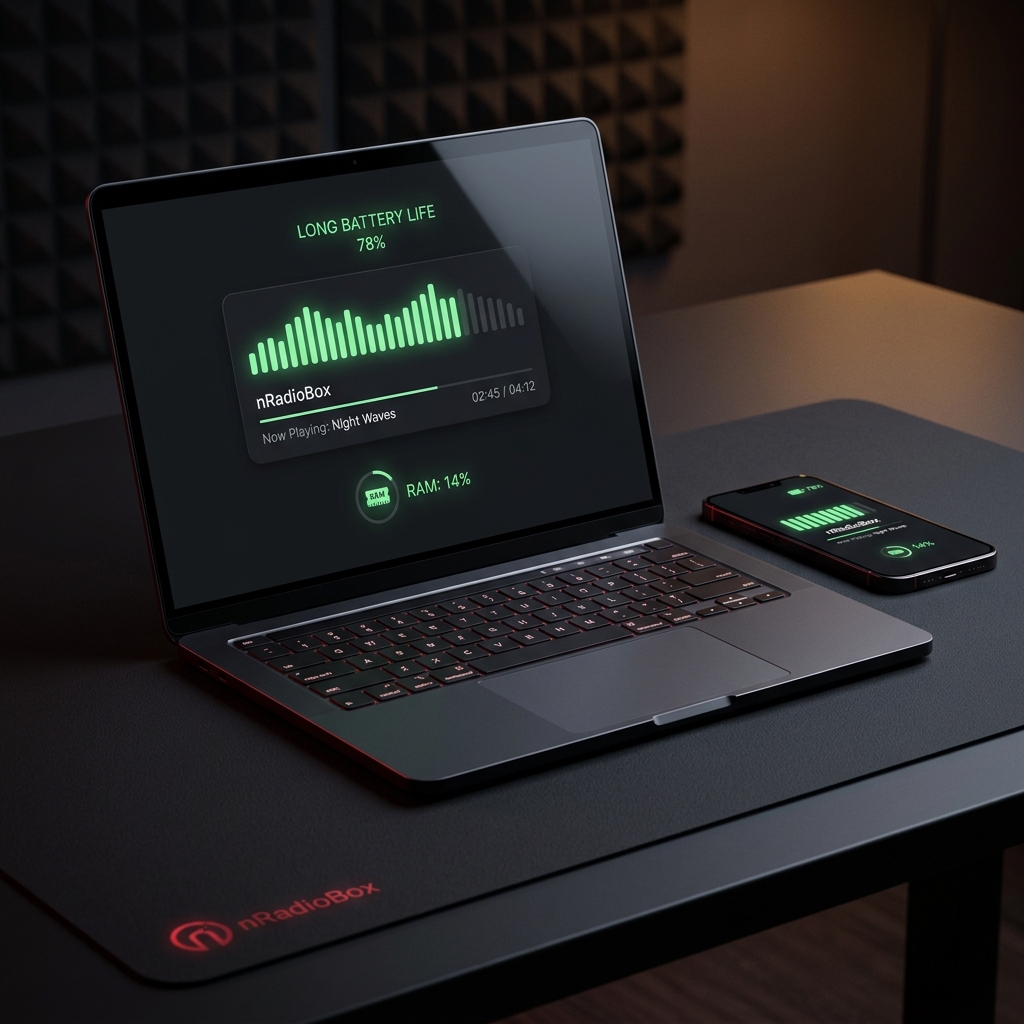
We've all been there: you're working in a cafe, your laptop isn't plugged in, and you're watching your battery percentage drop faster than a bass line. You look at your Task Manager (or Activity Monitor) and there it is — your music streaming app, casually chewing through 1GB of RAM and keeping your CPU awake like a caffeinated intern.
In the world of audio, efficiency is often the unsung hero. While modern streaming giants like Spotify and YouTube Music offer massive libraries, they do so at a significant technical cost. Internet radio, on the other hand, is built on a legacy of lightweight protocols that make it the ultimate choice for performance-conscious users.
The Heavy Footprint of Modern Streaming
Why do apps like Spotify use so much RAM? The answer lies in their architecture. Most modern streaming apps are built using Electron or similar frameworks — essentially a full Chromium web browser running just to show you a "Play" button. Every time you skip a song, the app is running complex algorithms, fetching new high-res cover art, and managing a heavy local cache.
How Internet Radio Saves Your Battery
Internet radio uses standardized streaming protocols (like ICY or HLS) that are incredibly efficient to decode. Because a radio station is a continuous live stream, your device doesn't have to constantly negotiate new connections for every individual song. It simply opens one "pipe" and lets the audio flow.
According to tests conducted by Android Authority , high-bitrate streaming can drain up to 20% more battery per hour compared to optimized, low-bitrate live streams. By using a minimalist player like nRadioBox , you're bypassing the heavy UI overhead and letting your CPU stay in a low-power state.
If you're compiling large projects or running Docker containers, every megabyte of RAM counts. Switching from a heavy desktop app to a browser-based radio player can free up enough resources to keep your build times fast and your fans quiet.
The "Hidden" Resource Cost: Data Caching
Streaming services often pre-download the next few songs in your queue to prevent buffering. While this is great for spotty connections, it means constant background disk and network activity. Internet radio is "just-in-time" — it only downloads exactly what you're hearing now . This significantly reduces background disk writes, which can extend the life of your SSD and save energy on mobile devices.
Conclusion: Light is Right
If you're on a desktop with 64GB of RAM and a permanent power outlet, the difference might be negligible. But for everyone else — students in libraries, digital nomads on the move, and developers managing heavy workloads — the choice is clear. Internet radio offers a lighter, faster, and more sustainable way to enjoy music without the "algorithmic tax."
Ready to give your hardware a break? Try nRadioBox today and experience how fast a music player should feel.